
EXPLORATION STARTS NOW
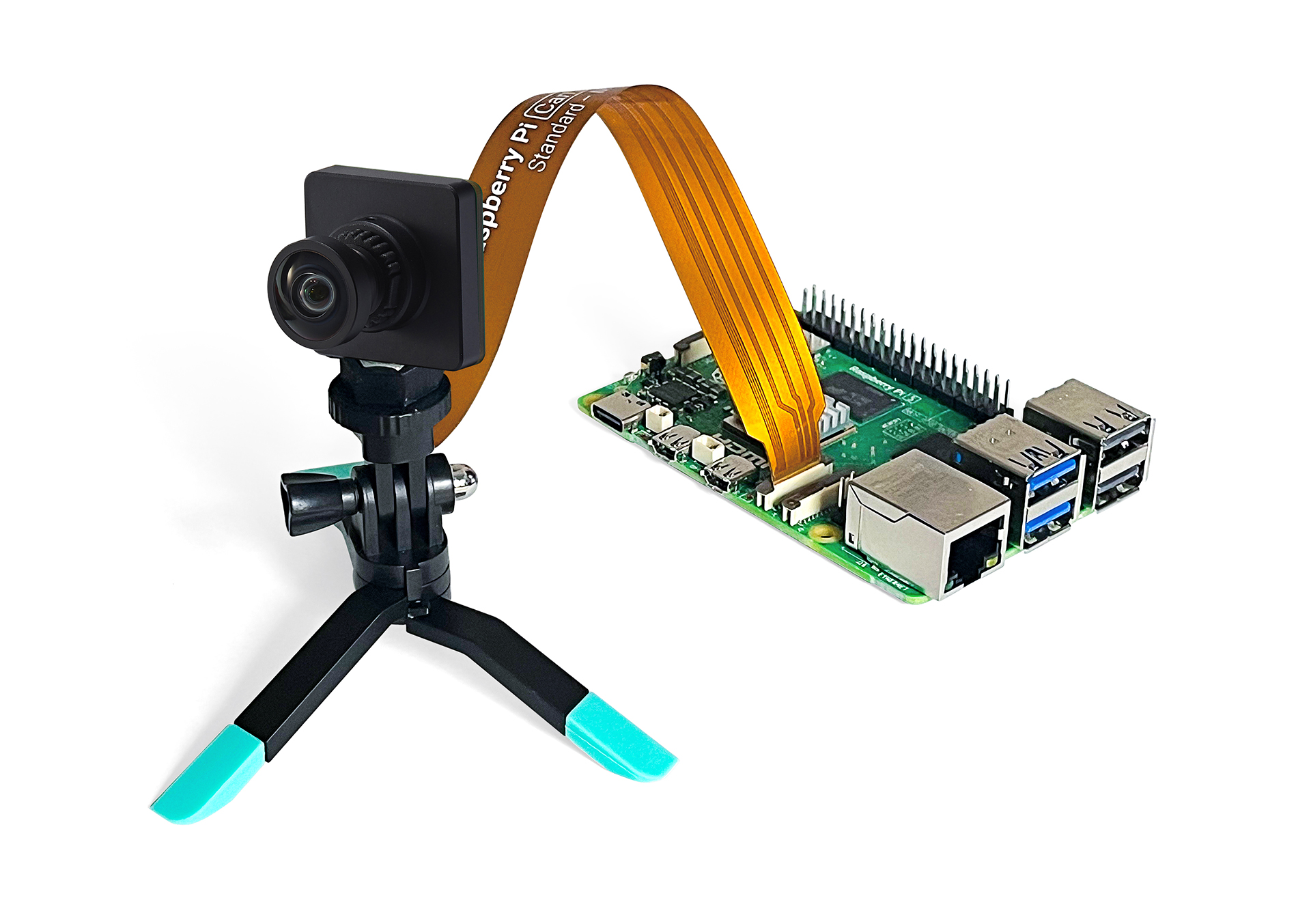
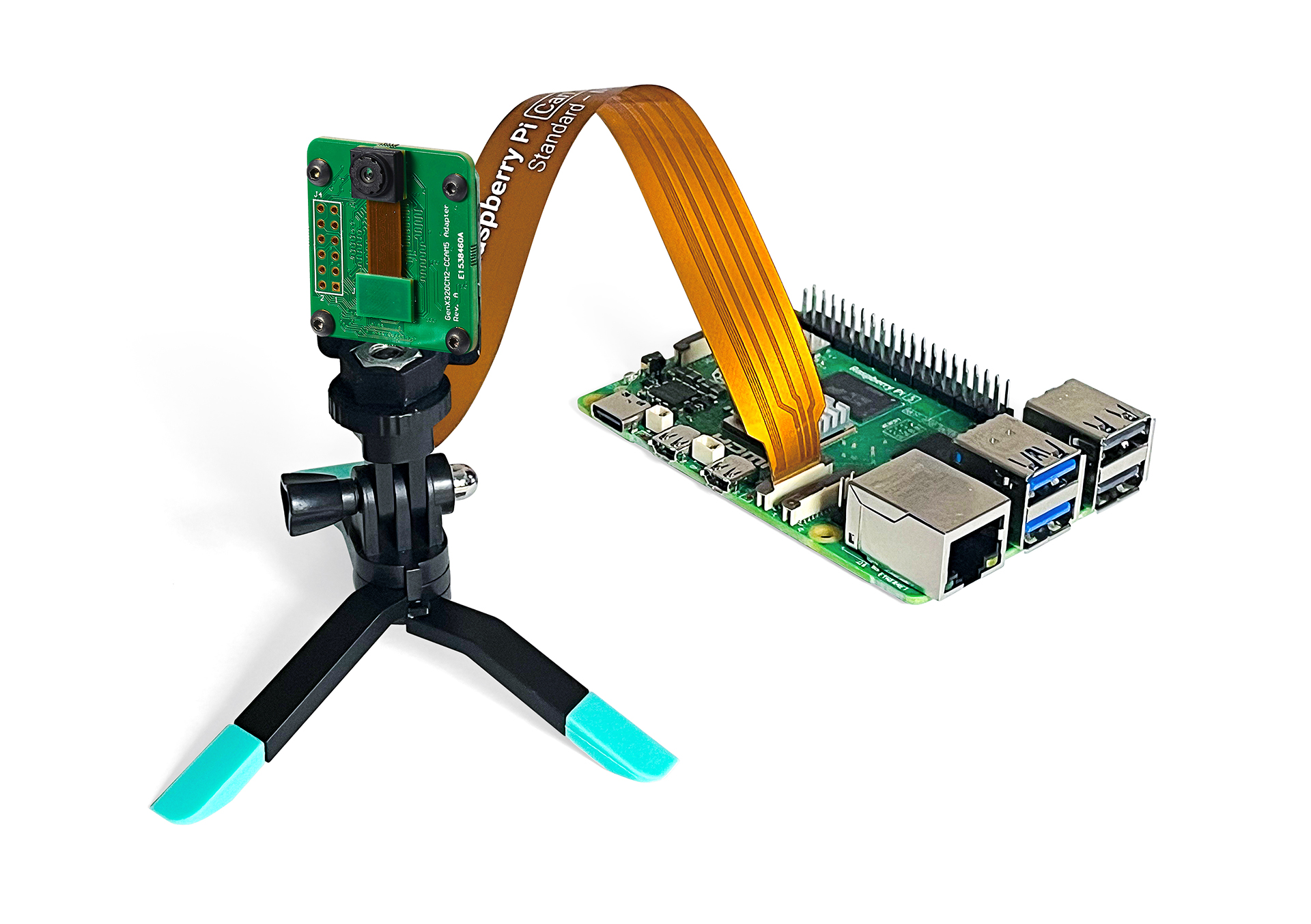
Harness the power of event-based vision on Raspberry Pi 5 with the GenX320 Starter Kit – a compact, high-performance embedded vision platform built around Prophesee’s GenX320 – the world’s smallest and most power-efficient event-based vision sensor.
Two GenX320 packaging options are available:
- M12 mount, FOV 76° lens
- M6 mount, FOV 104° lens
Delivering high-speed, low-latency data via the camera connector (MIPI) directly to Raspberry Pi 5, this kit enables you to start capturing and analyzing event data for custom embedded vision solutions in applications such as robotics, drones, industrial automation, and more.
The controller of the sensor is enabled by the V4L2 driver, allowing you to use OpenEB to set sensor biases – configure ROI and ERC parameters – and handle data recording and visualization.
1
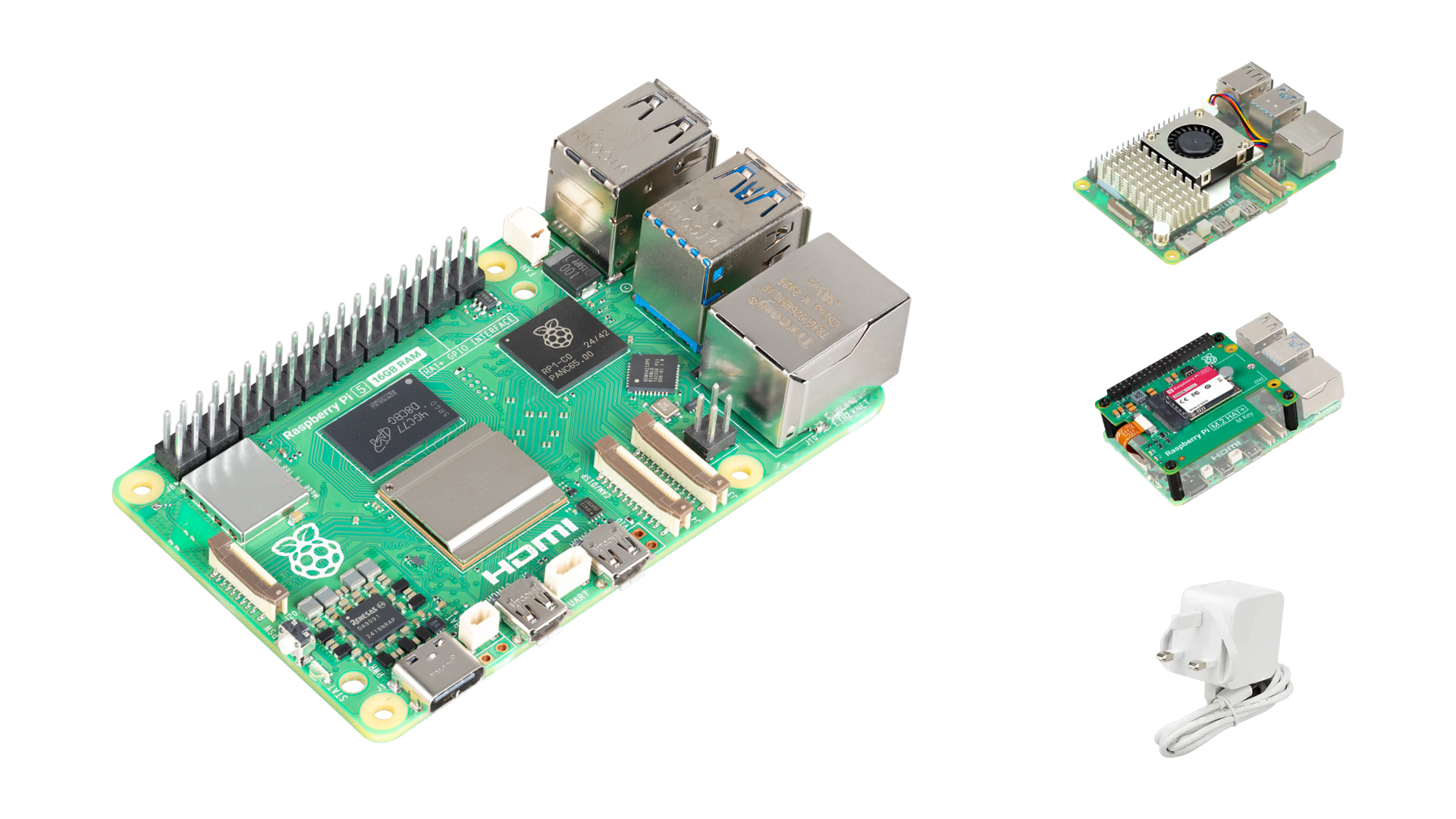
Purchase a Raspberry Pi 5 and recommended accessories
Please visit Raspberry Pi 5 web page to purchase directly from Raspberry Pi or via an authorized distributor. Consider also purchasing the recommended Active Cooler, Power Supply and SSD Kit.
2
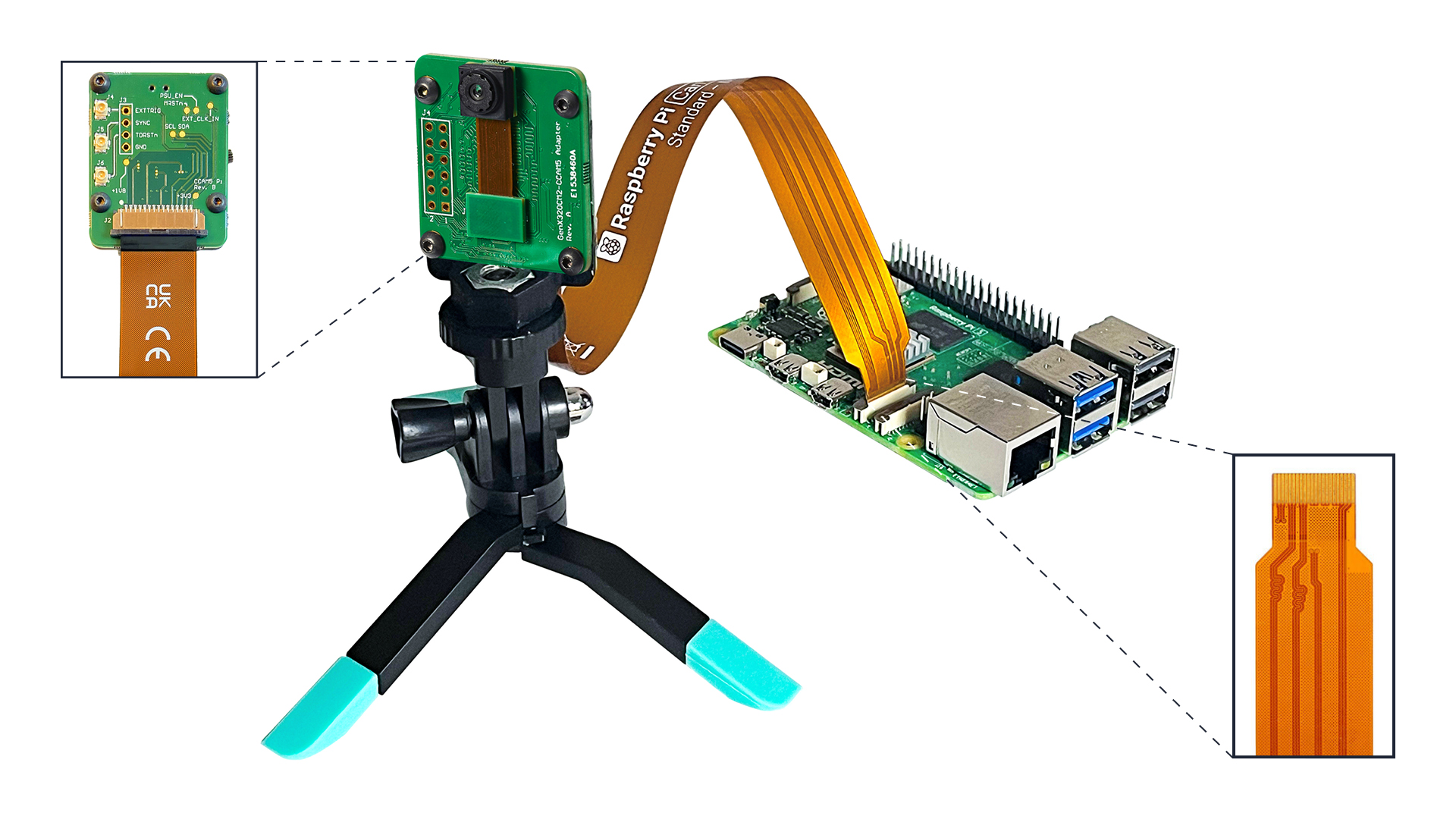
Connect the Prophesee Starter Kit to the Raspberry Pi 5 and accessories
Be careful to check the orientation of the flex cable when connecting. Don’t power-up your system just yet.
3
Set up the system
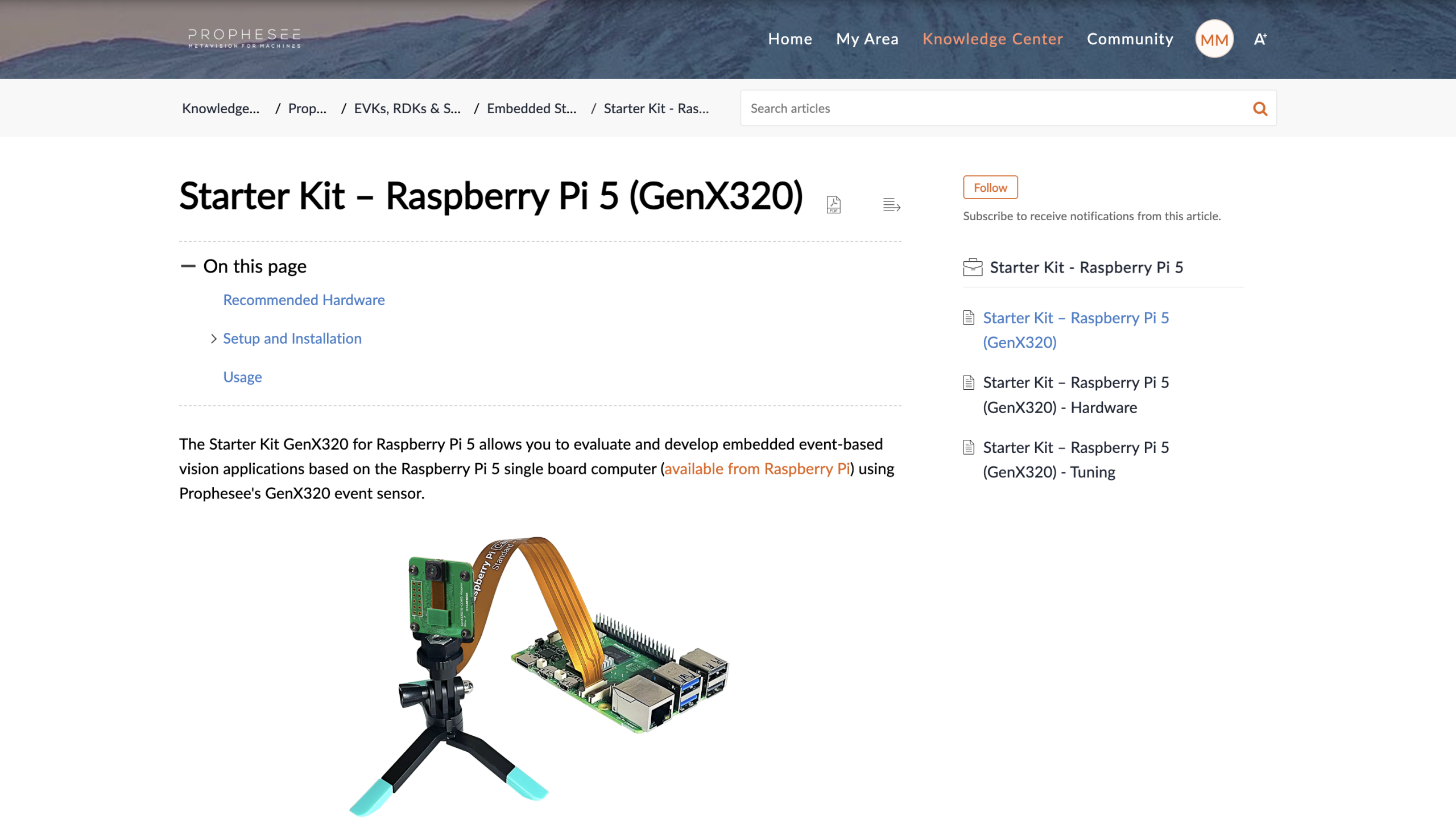
Navigate to the setup and installation section of Prophesee’s Starter Kit Raspberry Pi 5 manual on the Knowledge center to prepare the setup using the Linux image.
4
Visit the GitHub repositories
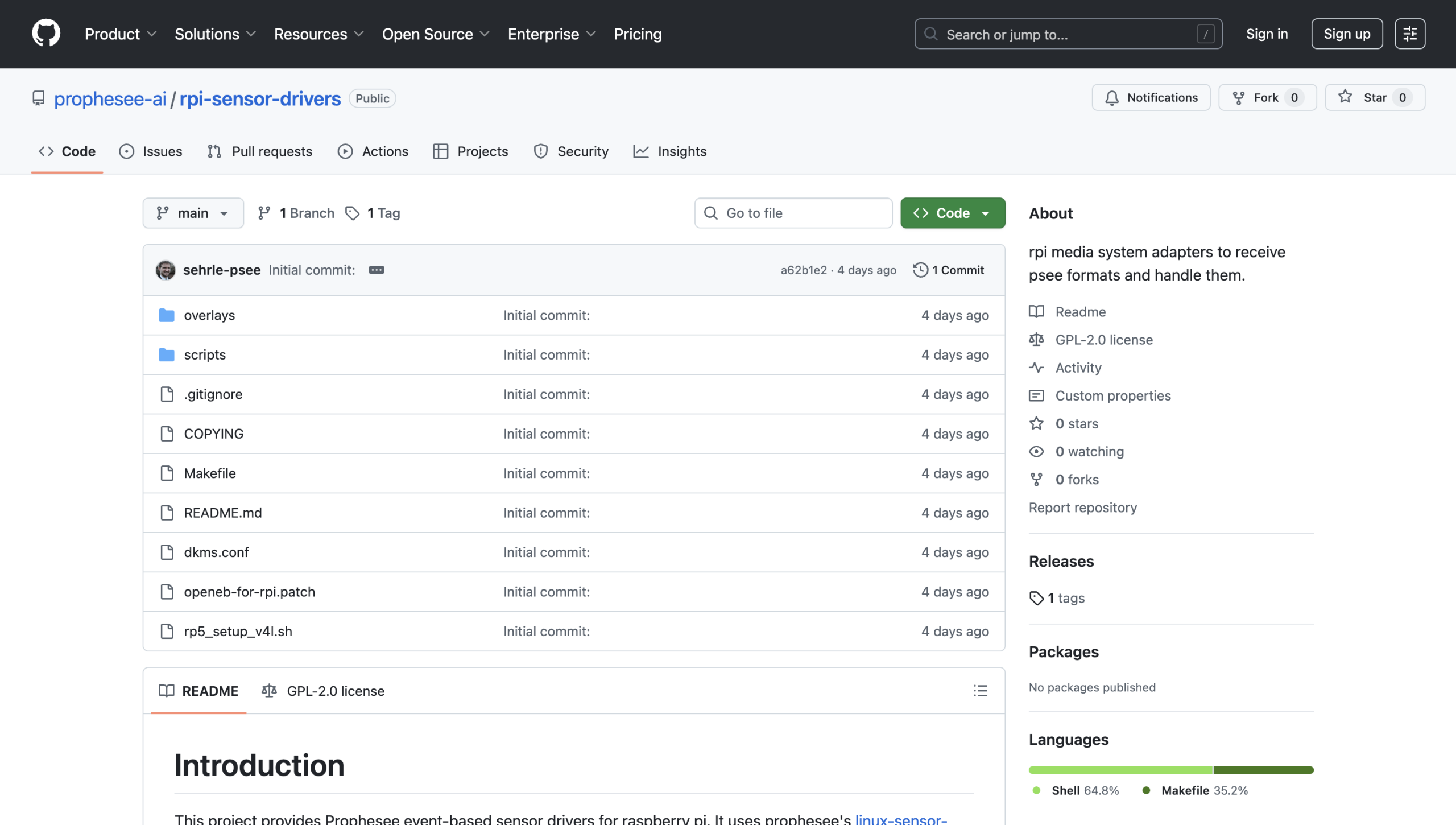
Head to the GitHub repositories to access OpenEB source code and RPi sensor drivers.
5
Stream, Record and Develop with Event-based data
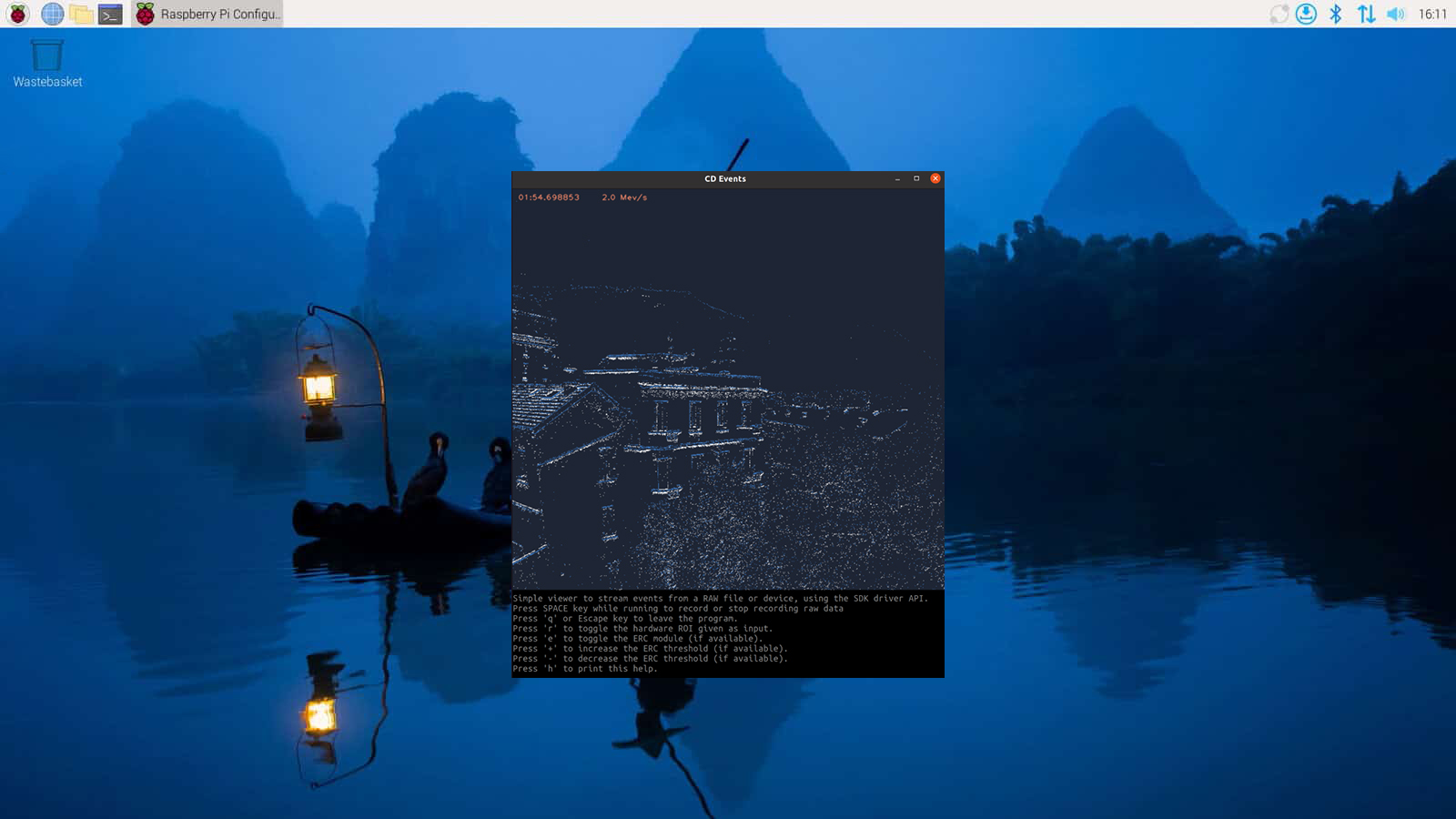
Follow the instructions to launch the viewer, set sensor biases and start recording event-based data.
6
Feature your work
Get your work noticed by sharing it on PROPHESEE’s Inventors Community platform or see what the most creative teams are achieving with Metavision.

POPULAR RESOURCES



FAQ
What kind of data do we get from a Prophesee sensor?
Contrast Detection (CD) events can be acquired from a Prophesee sensor. They represent a response of a pixel to a change of illumination and are of 2 types:
- CD ON events correspond to positive change : from dark to light
- CD OFF events correspond to negative change : from light to dark
For more information, check our pages on event-based concepts and events streaming and decoding.
The camera is not detected, what should I do?
Check cable orientation (contacts must face the connector), ensure it’s fully inserted, and run metavision_hal_ls to confirm detection.
Can I save event data as a standard video file (AVI)?
By default, recordings are in .raw format. Conversion tools are included in OpenEB to export as video.
Can I adjust sensor sensitivity or reduce noise?
Yes. Tune biases and enable ERC (Event Rate Controller) in OpenEB.
Can I change the lens?
- M12-mount: Yes, supports M12 S-mount lenses.
- M6-mount: No, lens is fixed.
Can I use multiple cameras at once?
Yes. Two kits can be synchronized immediately, meaning they capture events at the same time. This ensures aligned data streams for dual-view recording and experiments.
Can I combine this sensor with a regular Raspberry Pi camera?
Yes. You can connect a Pi camera to another port for hybrid frame + event setups.
Can I extend the flex cable?
Yes, but only with high-quality MIPI-CSI cables. Longer cables may cause instability and are not officially supported.
Which Linux image should I install?
Use the Prophesee pre-built Raspberry Pi image (includes OpenEB and drivers).